
For suppliers
Your assortment, your customers, your prices.
A showroom for your barbershop customers, offers with tier prices and stock, orders with tracking. And purchasing from wholesalers in the same account.

Features
What you get.
Showroom with your branding
Your shop on the platform carries your logo and banner. Barbershops find you via your ID or an invitation link and request access. You decide who sees your net prices and can set a discount per customer.

Offers with tiers, carton and stock
Every offer has a base price, quantity tiers, carton size, stock and lead time. Drafts stay hidden until you publish them. Maintain offers one by one, via CSV import with a column mapping wizard, or automatically through the API with your own key.
Order handling with your own numbering
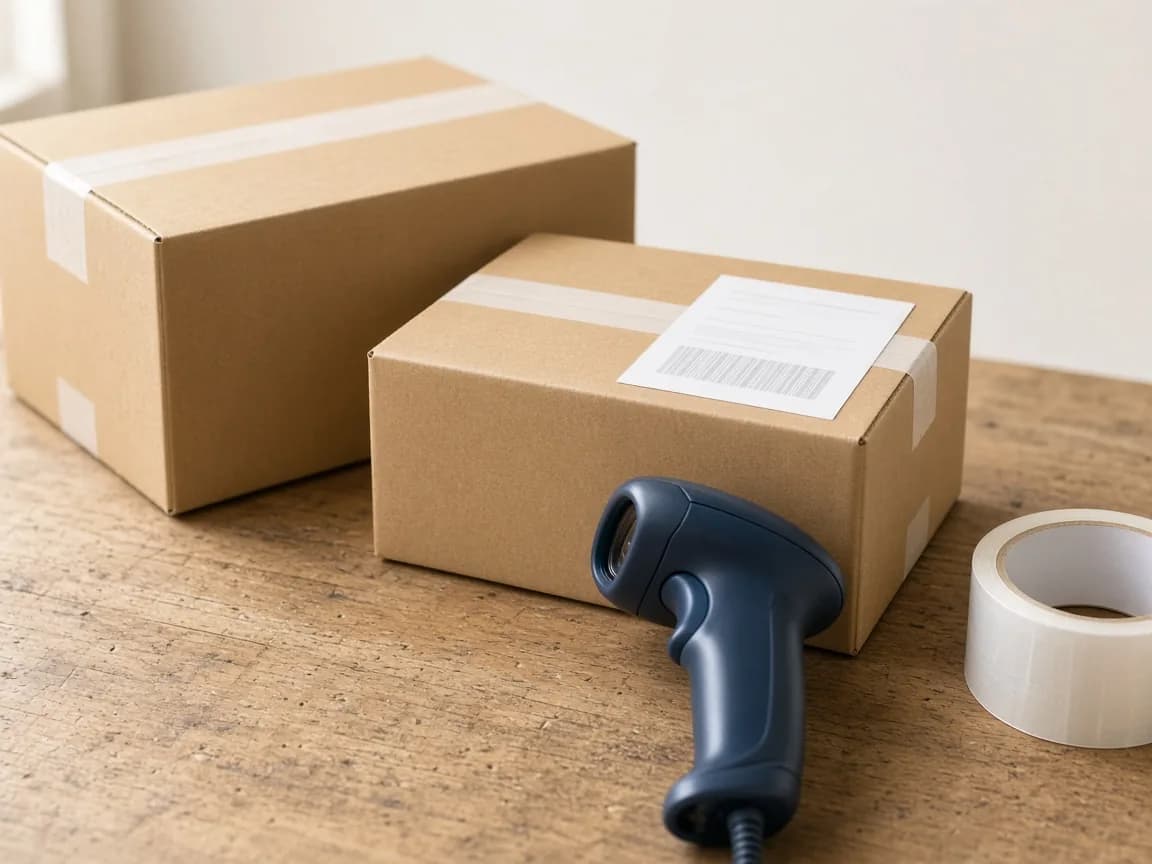
Orders arrive with your own order number – you set prefix and counter. You confirm, ship with carrier and tracking number, and complete. The shop sees every step; lists can be exported as CSV.
Announcements and messages
New items, promotions or delivery notices reach your approved shops as announcements – as push and in the inbox. Questions about orders run through platform chat; contact details stay masked.
Also included
Order from wholesalers
Browse price lists of wholesalers that approved you and order by the carton – price per carton and per piece visible, tiers in cartons. Place purchase orders directly from your supplier account, with confirmation, shipping and tracking number.
Search brand media
Videos, data sheets and posts from the manufacturers whose products you source through your wholesaler – full-text searchable, with a video player right in the app. Announcements from wholesalers and manufacturers arrive as push and in your inbox.
Export
Export order lists with status, carrier and tracking number as CSV.
API key
Create and update offers from your ERP via REST API.
Getting started
Three steps.
- 1
Create an account
Sign up as a supplier. The platform team reviews and approves new supplier accounts.
- 2
Set up your assortment
Create offers one by one, via CSV or API. Set up logo, banner, shipping and order numbering.
- 3
Approve customers
Invite barbershops, approve requests, confirm orders and ship with tracking.
FAQ
Short answers.
Do all barbershops see my prices?
No. Only shops you have approved see net prices. Requests come in via your ID or an invitation link.
How do my items get onto the platform?
One by one in the form, in bulk via CSV import with column mapping, or automatically via the API. Offers are matched to products so shops can compare offers.
Is payment handled through the platform?
No. Invoice and payment are handled directly between you and the shop, as before. The platform documents order and status.
Where do I buy myself?
From wholesalers. A wholesaler grants you access to its price list; you place purchase orders directly from your account. Manufacturers sell only to wholesalers – you still see their brand media under “Brand media” once your wholesaler carries their products.
Your showroom for barbershops.
Create an account, import your assortment, approve customers.